Cocina Setup Guide
This guide will walk you through setting up the Cocina theme.
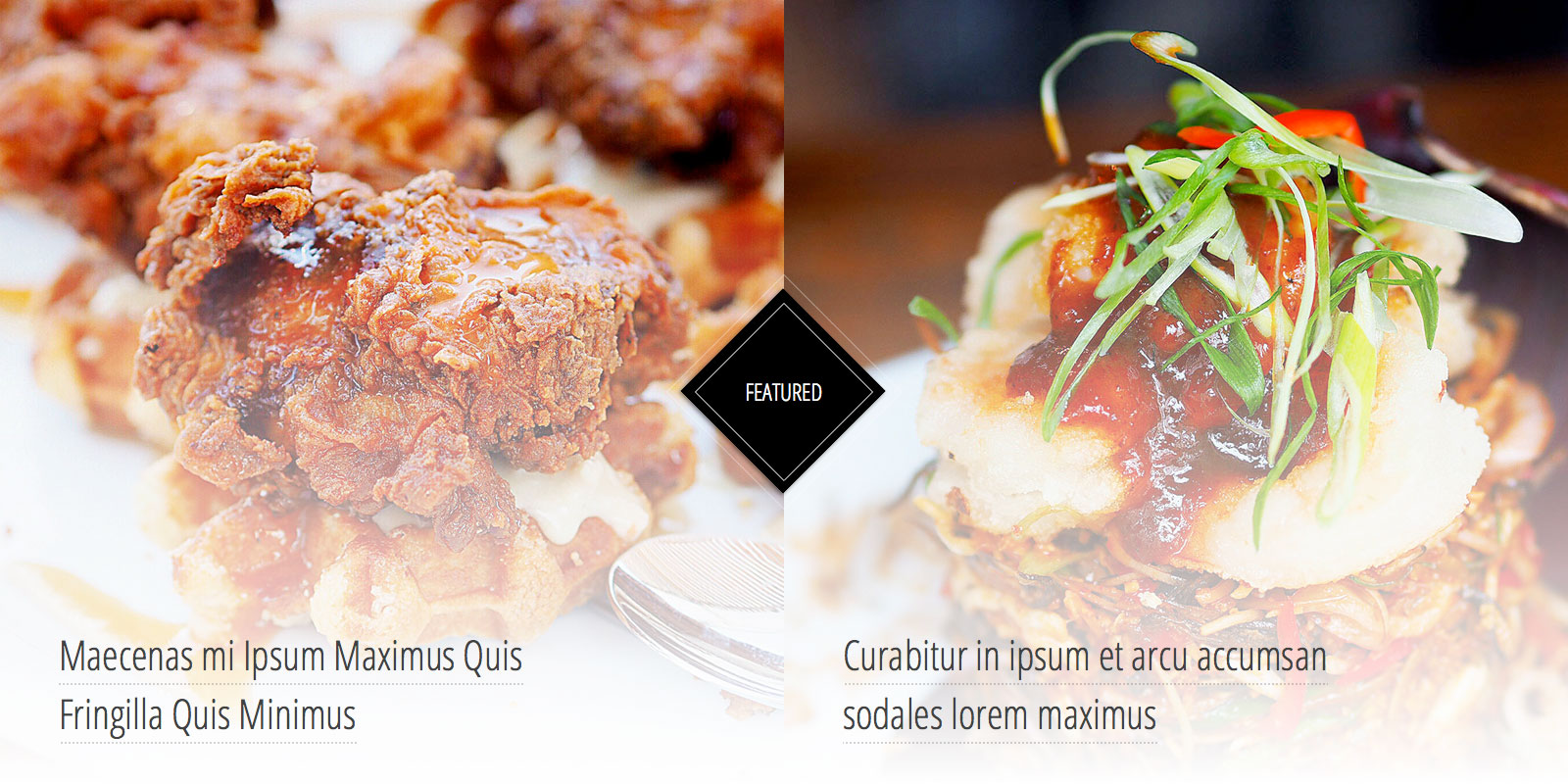 The images in the Featured section are 800x800.[/caption]
An image size of 350x350 is used for portfolio items and blog posts displayed on archive pages.
[caption id="attachment_934" align="alignnone" width="839"]
The images in the Featured section are 800x800.[/caption]
An image size of 350x350 is used for portfolio items and blog posts displayed on archive pages.
[caption id="attachment_934" align="alignnone" width="839"]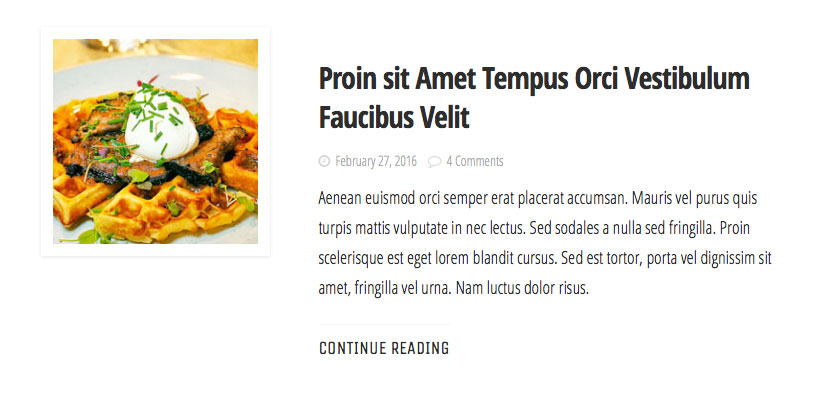 All other featured images are sized at 350x350.[/caption]
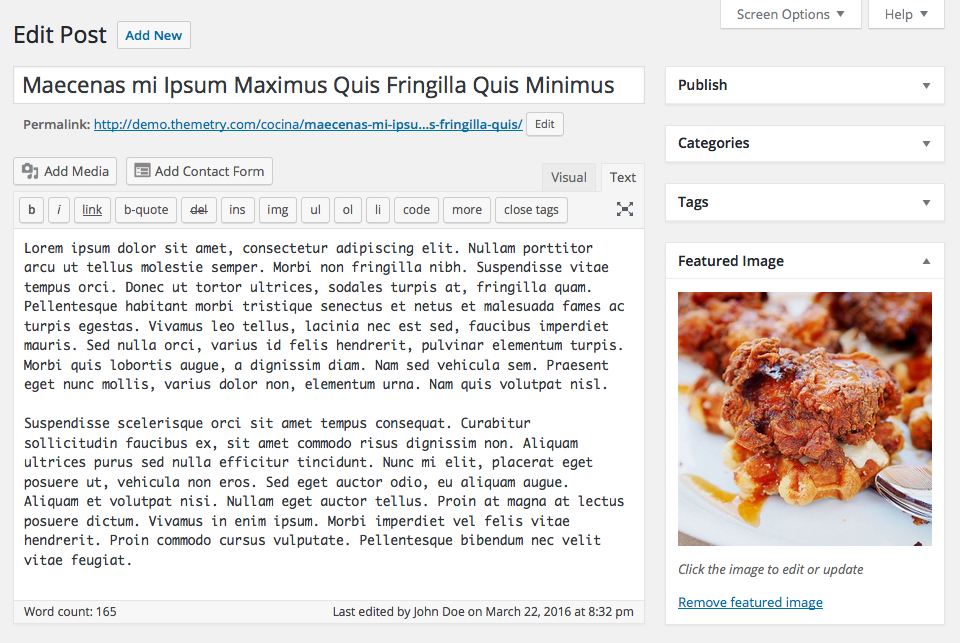
You can set the Featured Image on the post edit screen.
All other featured images are sized at 350x350.[/caption]
You can set the Featured Image on the post edit screen.
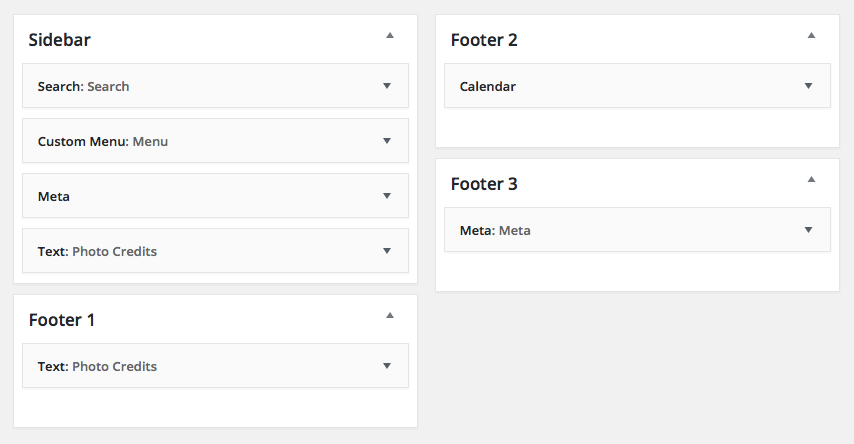 Cocina widget settings on the demo site.[/caption]
Note that the footer widgets are Flexible Footer Widgets, so if you only use two out of three of the available footer widget areas, Cocina will automatically adjust the column widths to halves rather than thirds.
[caption id="attachment_937" align="alignnone" width="961"]
Cocina widget settings on the demo site.[/caption]
Note that the footer widgets are Flexible Footer Widgets, so if you only use two out of three of the available footer widget areas, Cocina will automatically adjust the column widths to halves rather than thirds.
[caption id="attachment_937" align="alignnone" width="961"]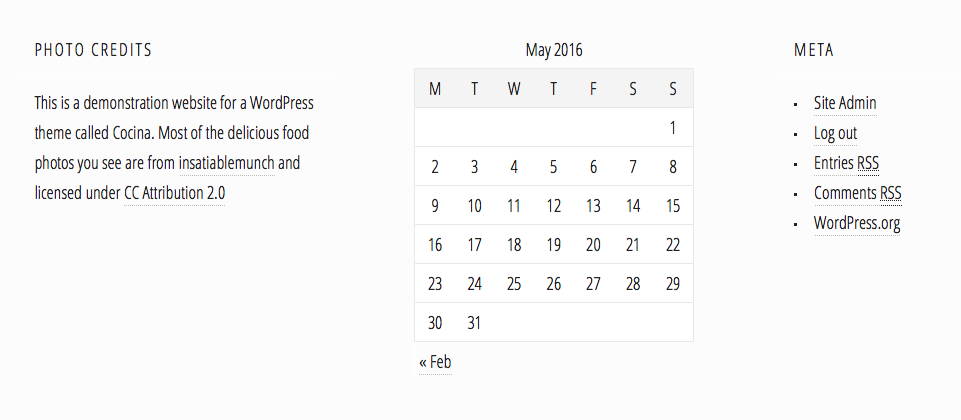 Three columns of footer widgets in Cocina.[/caption]
If the sidebar widget area is not active, Cocina will automatically adjust to a one-column layout.
Three columns of footer widgets in Cocina.[/caption]
If the sidebar widget area is not active, Cocina will automatically adjust to a one-column layout.
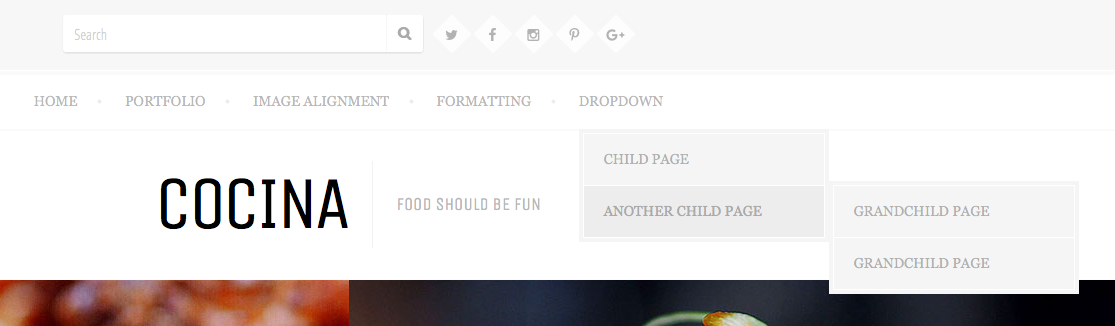 The main navigation menu supports two levels of submenus.[/caption]
For more information on using the social navigation menu, please see our documentation article titled Social Menus.
The footer menu, displayed directly to the right of the credit text, supports only one level of navigation.
[caption id="attachment_940" align="alignnone" width="992"]
The main navigation menu supports two levels of submenus.[/caption]
For more information on using the social navigation menu, please see our documentation article titled Social Menus.
The footer menu, displayed directly to the right of the credit text, supports only one level of navigation.
[caption id="attachment_940" align="alignnone" width="992"] The Cocina footer menu, best used for links to supplemental content like legal disclaimers.[/caption]
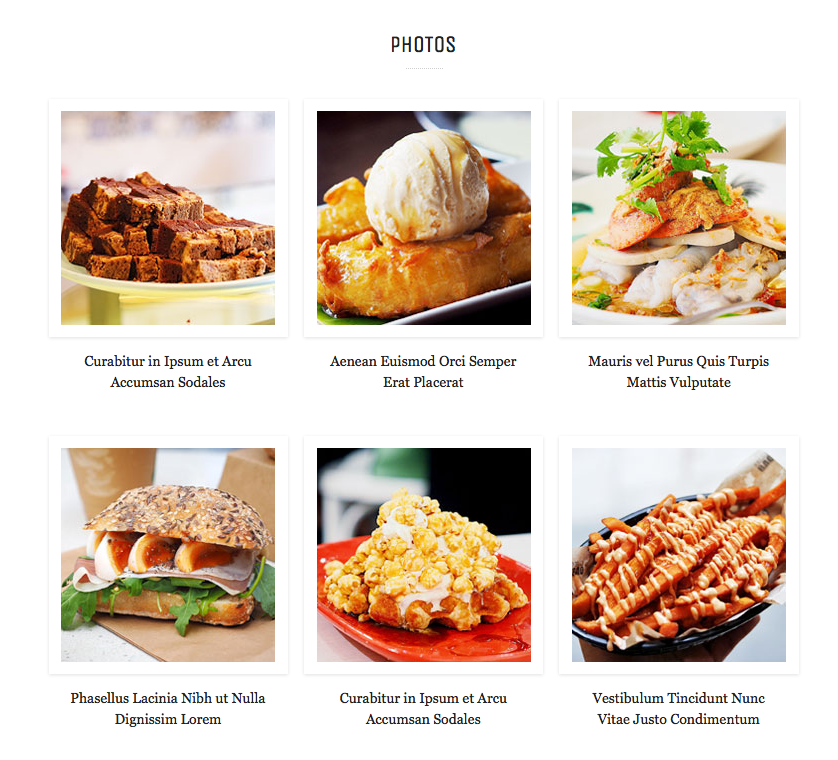 This section will display a maximum of the six latest portfolio pieces. The full portfolio page will be displayed at yoursiteurl.com/portfolio/ which you can link to through any menu.
Featured Images
Cocina uses two post thumbnail sizes. An image size of 800x800 is used for posts displayed the Featured Content area. [caption id="attachment_933" align="alignnone" width="1600"] The images in the Featured section are 800x800.[/caption]
An image size of 350x350 is used for portfolio items and blog posts displayed on archive pages.
[caption id="attachment_934" align="alignnone" width="839"] All other featured images are sized at 350x350.[/caption]
You can set the Featured Image on the post edit screen.
Widget Areas
Cocina features four widget areas, one in the sidebar, and three in the footer (one for each column). [caption id="attachment_938" align="alignnone" width="854"] Cocina widget settings on the demo site.[/caption]
Note that the footer widgets are Flexible Footer Widgets, so if you only use two out of three of the available footer widget areas, Cocina will automatically adjust the column widths to halves rather than thirds.
[caption id="attachment_937" align="alignnone" width="961"] Three columns of footer widgets in Cocina.[/caption]
If the sidebar widget area is not active, Cocina will automatically adjust to a one-column layout.
Menu Locations
Cocina features three menu locations: the main navigation in the header, the social navigation next to the search box at the top of the theme, and the footer menu. [caption id="attachment_939" align="alignnone" width="1115"] The main navigation menu supports two levels of submenus.[/caption]
For more information on using the social navigation menu, please see our documentation article titled Social Menus.
The footer menu, displayed directly to the right of the credit text, supports only one level of navigation.
[caption id="attachment_940" align="alignnone" width="992"] The Cocina footer menu, best used for links to supplemental content like legal disclaimers.[/caption]
Jetpack Features
Like all of our themes, Cocina contains support for certain modules in the free Jetpack plugin. Cocina supports Infinite Scroll, Featured Content, Site Logo, and the Portfolio content type.Infinite Scroll
Simply activate the Infinite Scroll module, and Cocina will handle the rest. Upon activation, the numbered pagination as currently seen on the Cocina demo site will be replaced with an infinite scrolling mechanism. You may uncheck the "Scroll Infinitely" box on the Settings → Reading page to have this replaced with a clickable "Load More" button. For more information, please see our documentation article on how to enable Jetpack Infinite Scroll.Featured Content
Featured Content is visible on the blog homepage. It will display the two latest posts in the tags you designate as "Featured" in the Customizer.Site Logo
Cocina can display an optional logo in the header area of the design. Note that a custom logo is not visible on the demo site.Portfolio content type
Cocina uses Jetpack's portfolio content type to display the section of "Photos" above the blog post index.
This section will display a maximum of the six latest portfolio pieces. The full portfolio page will be displayed at yoursiteurl.com/portfolio/ which you can link to through any menu.