Installing a plugin from the WordPress.org repository through your site's admin area
The official WordPress.org site hosts many free and open source plugins in what is known as the plugin repository.
On your self-hosted WordPress installation, you can install any of these plugins without leaving your admin panel instantaneously.
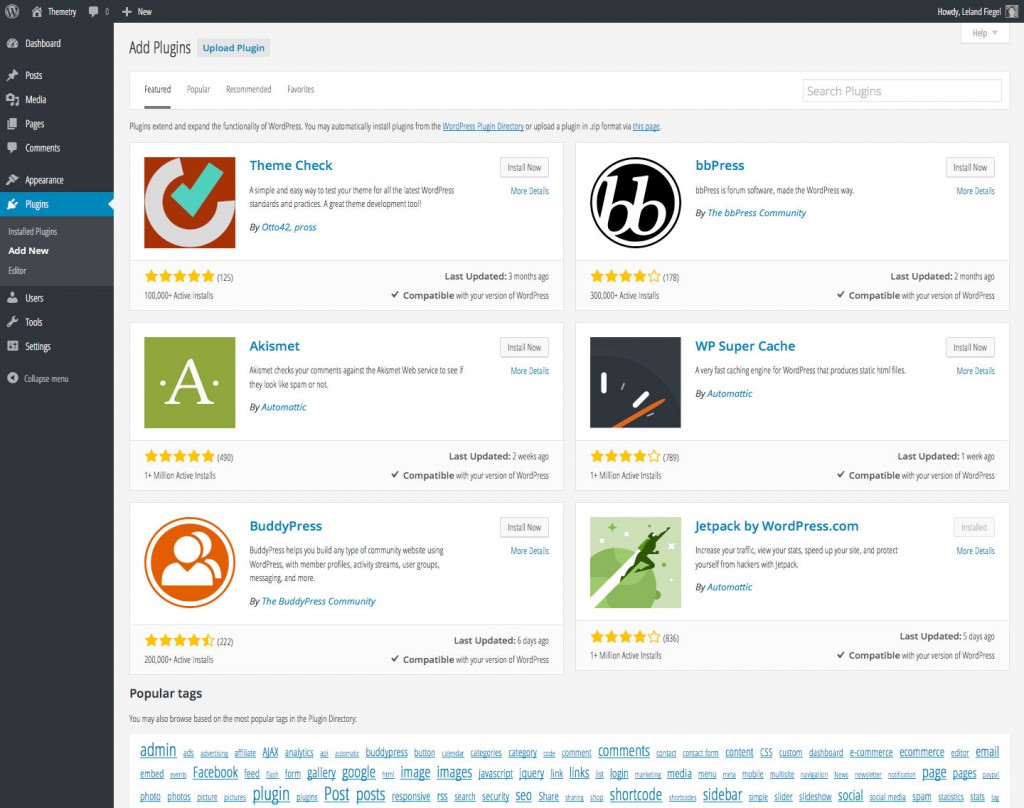 You can also use the search box in the top right corner to find another plugin.
Navigate to Plugins → Add New
After logging into your WordPress admin area, navigate to the Plugins → Add New page. The URL of this page should be something likehttp://example.com/wp-admin/plugin-install.php
You'll land on a page which lists a small selection of "Featured" plugins, with a tag cloud below.
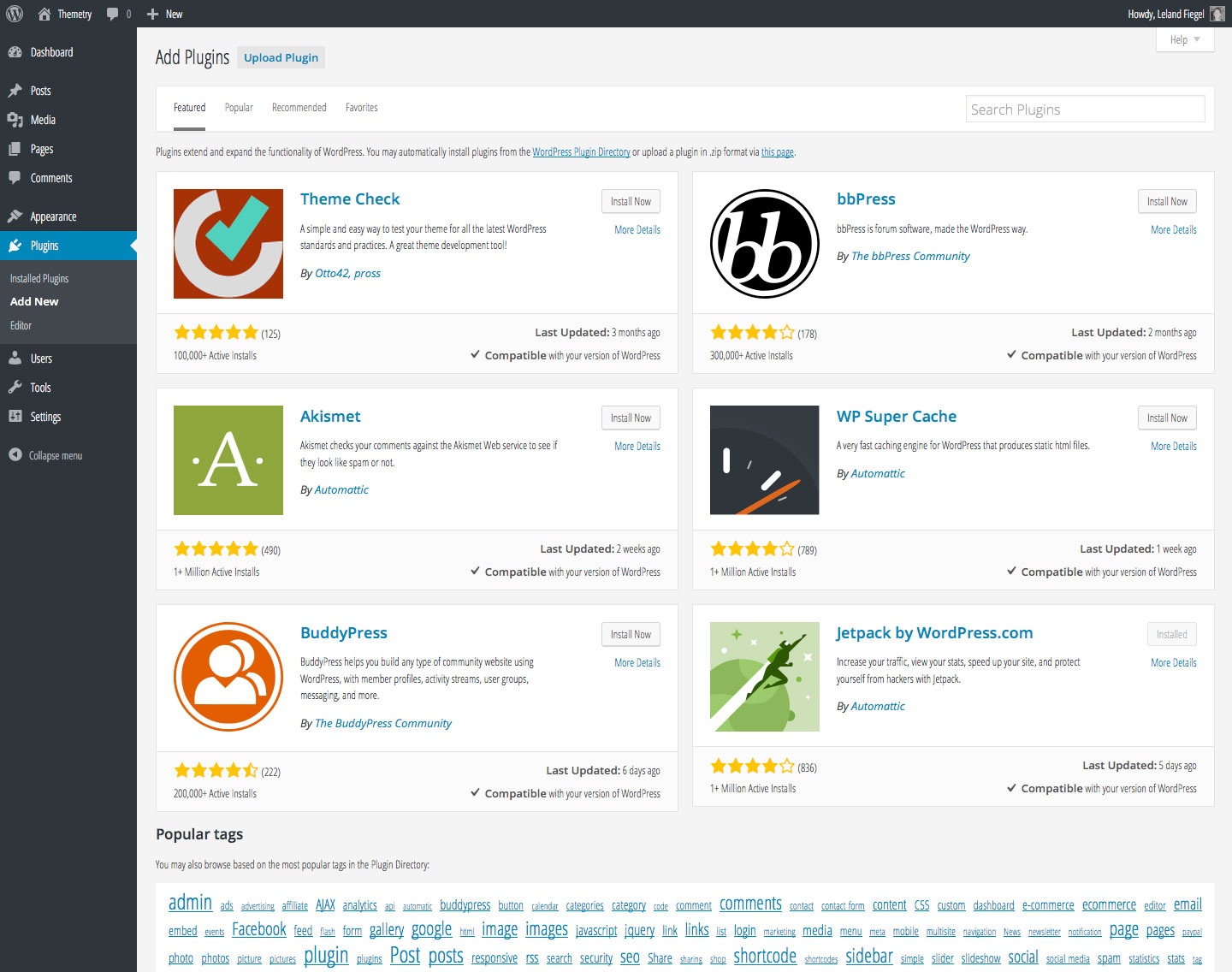 You can also use the search box in the top right corner to find another plugin.